
Staff Clock-In
Track staff hours, breaks and shifts with PIN or biometric clock-in — with timesheet export and labour cost reporting built in.
- PIN & biometric
- Break tracking
- Timesheet export
- Labour cost reports

Hours recorded where the work happens
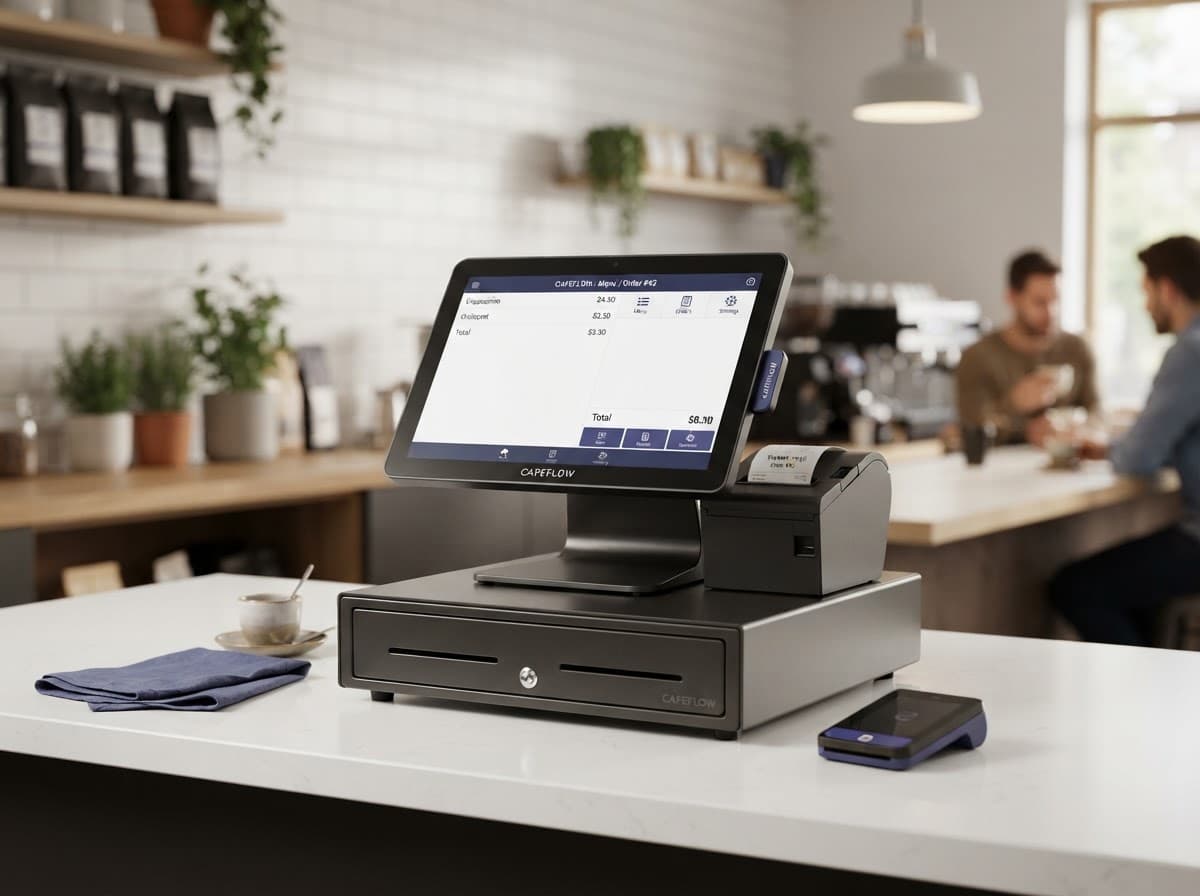
Staff clock in and out at the till with their PIN. Breaks and shifts are recorded, late starts are flagged, and timesheets are ready to export when it is time to run payroll.
- Clock in and out at the till
- Breaks and shifts
- Labour cost reporting
- Timesheets to export

What's included
Everything you need from this part of the platform — working alongside the rest of your setup.
Clock in/out
Staff clock in with PIN, card or biometric at the till.
Break tracking
Record paid and unpaid breaks automatically.
Shift management
Schedule shifts and see who's working when.
Labour cost
Track labour cost against sales in real time.
Timesheet export
Export hours for payroll in one click.
Late alerts
Get notified if staff don't clock in on time.
Benefits for your business
Accurate payroll
No more paper timesheets — hours are exact.
Control labour cost
See labour as a percentage of sales, live.
Simple for staff
PIN clock-in takes seconds — no extra hardware.
- & biometric
- PIN
- & biometric
- Break tracking
- Auto
- Break tracking
- Payroll export
- 1-click
- Payroll export
- Labour %
- Live
- Labour %
Where you will use it
Start of shift
Staff clock in at the till with their PIN.
During the day
Breaks are recorded as they happen.
Pay day
Export timesheets and check labour cost.
Up and running in days, not months
- 1
Set up staff
Create staff accounts with PINs, roles and hourly rates.
- 2
Clock in & out
Staff enter their PIN at the till at the start and end of shifts.
- 3
Export for payroll
Review hours and export timesheets for payroll in one click.
Staff Clock-In works with the rest of Qposd
One set of products, customers and prices is shared by every part of the system, so what you do here shows up everywhere else without typing it twice.
- Business Reporting & Analytics
- Cloud EPOS Software
- EPOS for Hospitality
Staff Clock-In: common questions
How do staff clock in?
With a PIN at the till. Biometric options depend on your hardware.
Can I export hours for payroll?
Yes. Timesheets can be exported.
Can I see labour cost?
Yes. Labour cost reporting shows hours and cost against sales.
Works well with
Ready to explore Staff Clock-In?
Book a free demo and see it in action for your business.