
Cloud EPOS Software
Run your whole business from one cloud-based point of sale — sales, products, orders, staff and customers, accessible from anywhere.
- Works online & offline
- Cloud back office
- Real-time sync
- Customisable menus & modifiers
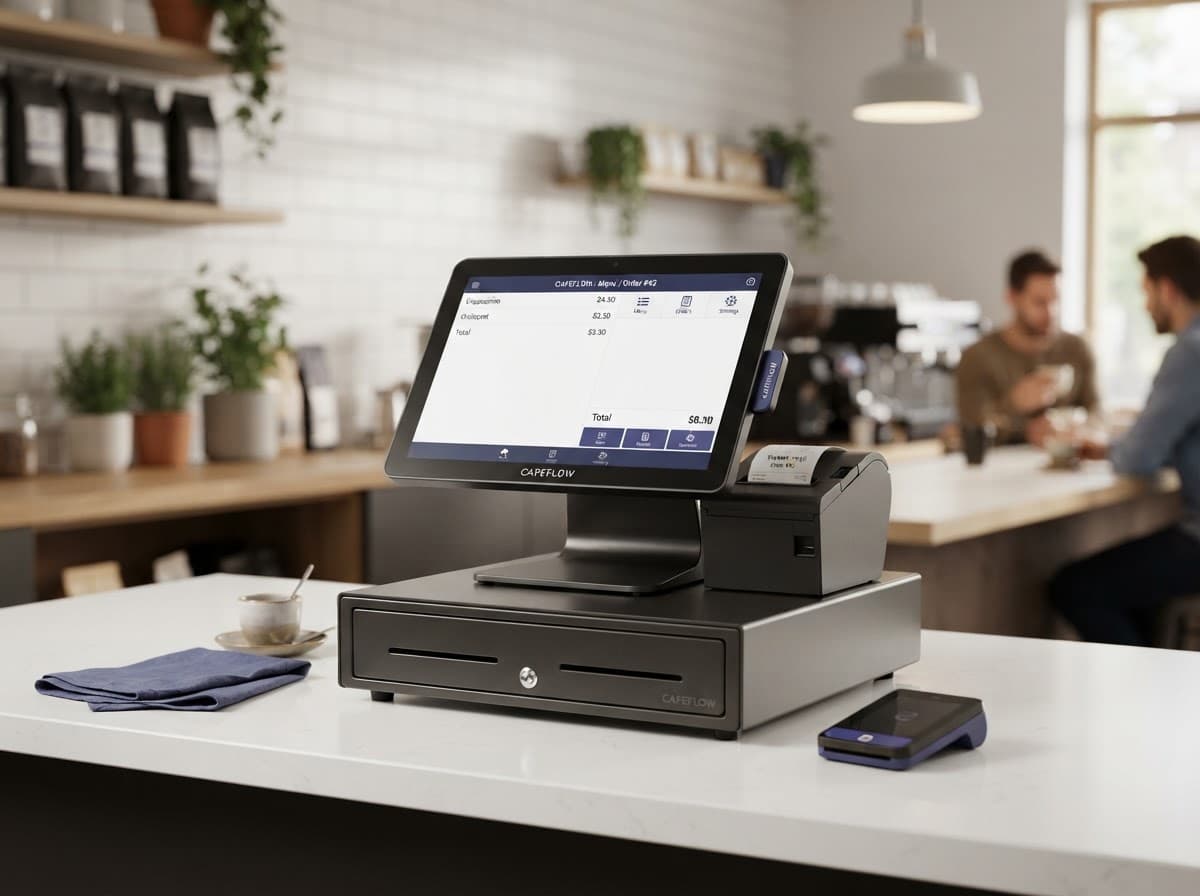
The till your team learns in an afternoon
A touch screen built for speed: categories, search and favourites to find items, modifiers for how the customer wants it, and split or part payments at the end. The back office behind it holds products, prices, staff and reports.
- Fast touch ordering
- Keeps selling when the internet is down
- Staff logins with permissions
- Back office for products and prices
What's included
Everything you need from this part of the platform — working alongside the rest of your setup.
Cloud-based
Access sales, products and reports from anywhere with an internet connection.
Offline mode
Keep taking payments during outages; sync automatically when you're back online.
Menus & modifiers
Build products, variants, modifiers and pricing exactly the way you sell.
Quick ordering
Fast, touch-friendly ordering with categories, search and favourites.
Staff accounts
Individual logins with role-based permissions for every team member.
Live reporting
Real-time sales, payments and product performance at a glance.
Benefits for your business
Sell faster
A touch interface built for speed during the rush.
Stay in control
Cloud back office to manage products, pricing and staff from anywhere.
Never stop trading
Offline mode keeps the till running when the internet drops.
Where you will use it
Morning
Staff sign in with their own PIN and the till is ready.
Rush hour
Find items by category, search or favourites and take payment fast.
Closing
Run the day's report and see sales by payment type.
Up and running in days, not months
- 1
Set up your menu
Add products, modifiers and pricing in the cloud back office.
- 2
Train your team
A touch-friendly interface your staff pick up in minutes.
- 3
Start selling
Take orders and payments online or offline from day one.
Cloud EPOS Software works with the rest of Qposd
One set of products, customers and prices is shared by every part of the system, so what you do here shows up everywhere else without typing it twice.
- Integrated Payment Solutions
- Inventory Management
- Offline Till Resilience
Cloud EPOS Software: common questions
Does the till work offline?
Yes. Sales are stored on the till when the connection drops and synced when it returns.
How many tills can I run?
As many as you license. Each computer needs its own seat on your plan, and you can add computers at any time.
Can I try it first?
Yes. Every plan starts with a free trial, with no card needed.
Works well with
Ready to explore Cloud EPOS Software?
Book a free demo and see it in action for your business.