
Integrated Accounts
Connect your EPOS to your accounting software so sales, payments and invoices flow automatically — no manual entry, no spreadsheets.
- Auto sales export
- VAT & tax ready
- Invoice sync
- Real-time books
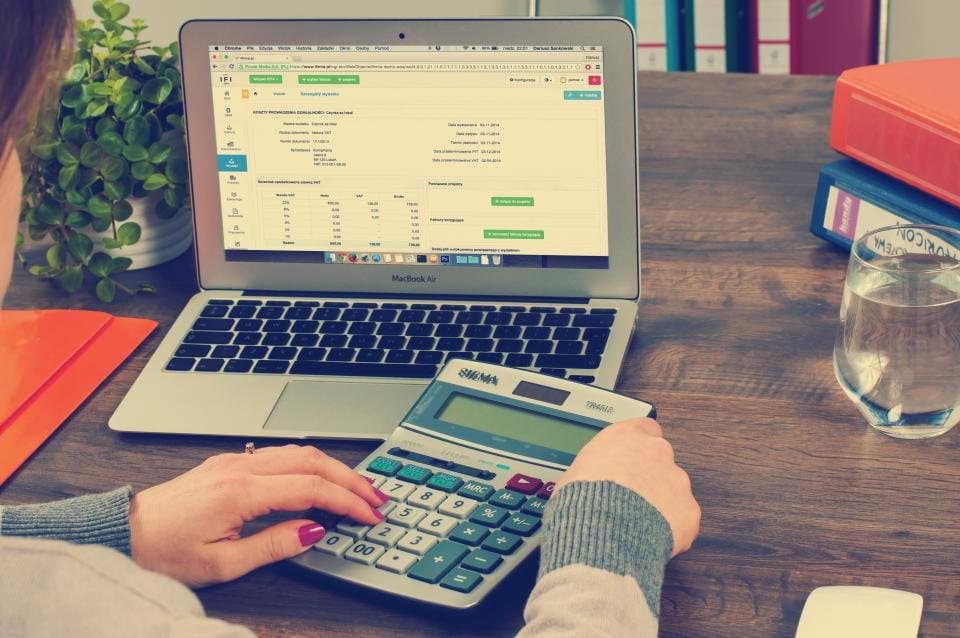
Sales that reach your books without retyping
Daily sales, payments and invoices are prepared for your accounting software, with tax split out, so the figures your accountant sees match the till. Less typing means fewer errors at month end.
- Sales and payments exported
- Tax ready figures
- Invoices kept in step
- Easier reconciliation

What's included
Everything you need from this part of the platform — working alongside the rest of your setup.
Accounting integration
Connect to Xero, QuickBooks, Sage and more.
Sales export
Daily sales pushed to your books automatically.
Invoice sync
Supplier invoices and purchase orders matched.
Profit tracking
See real-time profit margins alongside sales.
VAT & tax ready
Reports formatted for VAT returns and HMRC.
Reconciliation
Payment reconciliation against till takings.
Benefits for your business
Save hours
No more manual end-of-day data entry into accounting.
Accurate books
Every sale, refund and payment captured automatically.
Tax ready
VAT returns generated straight from your till data.
- Manual entry
- 0
- Manual entry
- VAT ready
- Auto
- VAT ready
- Books synced
- Real-time
- Books synced
- Compliant
- MTD
- Compliant
Where you will use it
Daily
Sales and payments are prepared for your books.
Month end
Match takings to bank deposits with less checking.
Tax time
Hand your accountant figures with tax already split out.
Up and running in days, not months
- 1
Connect your accounts
Link your accounting platform in the back office with one click.
- 2
Sell as normal
Every transaction is captured and categorised automatically.
- 3
Review & submit
Check daily summaries and submit VAT returns with confidence.
Integrated Accounts works with the rest of Qposd
One set of products, customers and prices is shared by every part of the system, so what you do here shows up everywhere else without typing it twice.
- Business Reporting & Analytics
- Purchasing
- B2B Sales
Integrated Accounts: common questions
Which accounting software is supported?
Integrations depend on your accounting provider. Contact us to confirm support for the one you use.
Is tax handled?
Sales are recorded with their tax, so exports carry the figures your return needs.
Does it replace my accountant?
No. It removes the manual entry so your accountant works from accurate numbers.
Works well with
Ready to explore Integrated Accounts?
Book a free demo and see it in action for your business.