
Kitchen Display System
Send orders straight to the kitchen on live screens — with timers, stations and status tracking so nothing gets lost.
- Live order routing
- Prep timers
- Kitchen stations
- Status tracking
No more lost tickets
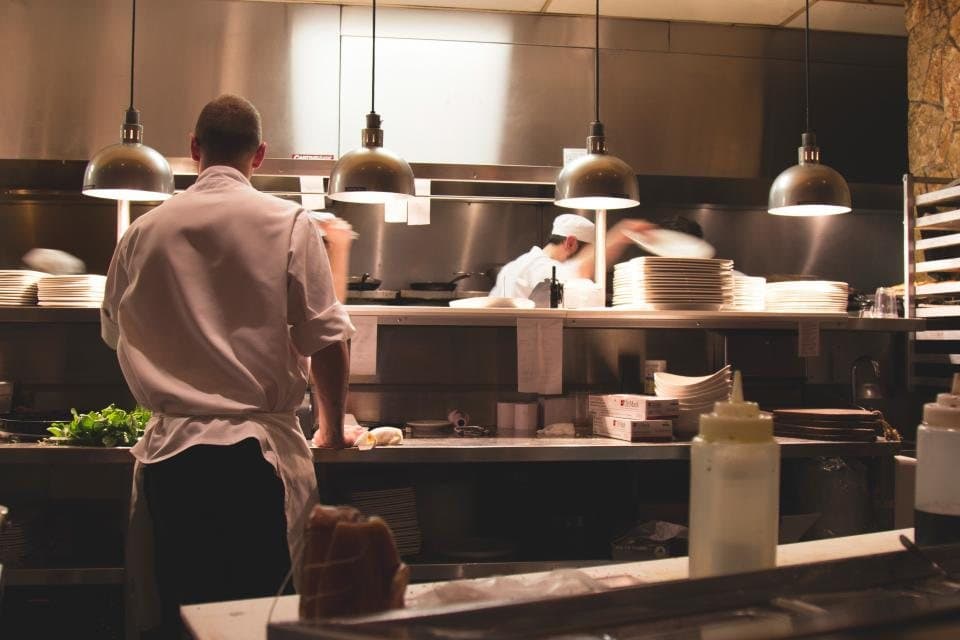
Orders appear on kitchen screens the moment they are sent, grouped by station, with a timer on each. Cooks mark dishes as started and ready, and the front of house sees the same status.
- Orders on screen at once
- Timers on every ticket
- Screens for each station
- Status visible to front of house
What's included
Everything you need from this part of the platform — working alongside the rest of your setup.
Live orders
Orders appear instantly on kitchen screens.
Prep timers
Track how long each order has been waiting.
Stations
Route items to the right station — grill, pizza, salad.
Status tracking
Mark orders started, ready and completed.
Multiple screens
Scale across multiple kitchen displays.
Notifications
Front of house knows when orders are ready.
Benefits for your business
No lost tickets
Every order is tracked from till to pass.
Faster service
Prioritise orders and hit prep times.
Less paper
Ditch printed tickets for a cleaner kitchen.
- Lost tickets
- 0
- Lost tickets
- Order routing
- Live
- Order routing
- Kitchen stations
- Multi
- Kitchen stations
- Prep times
- Faster
- Prep times
Where you will use it
Order sent
The ticket appears on the right station with a timer.
Cooking
Mark dishes started and ready as you go.
The pass
Front of house sees what is ready to run.
Up and running in days, not months
- 1
Set up stations
Configure grill, pizza, salad and more to route items automatically.
- 2
Send orders
Orders flow from the till to the right kitchen screen instantly.
- 3
Track & complete
Staff mark orders started and ready — front of house gets notified.
Kitchen Display System works with the rest of Qposd
One set of products, customers and prices is shared by every part of the system, so what you do here shows up everywhere else without typing it twice.
- Central Menu Building & Kitchen Routing
- Order Taking — Web, Windows & Android
- EPOS for Restaurants
Kitchen Display System: common questions
Do I still need a kitchen printer?
A display can replace paper tickets. Many kitchens keep a printer as a back-up; both are supported.
Can I have more than one screen?
Yes. Run a screen per station and each shows only its own items.
Do online orders appear too?
Yes. Orders from the till and supported online channels reach the same kitchen screens.
Ready to explore Kitchen Display System?
Book a free demo and see it in action for your business.