
Central Menu Building & Kitchen Routing
Build and manage your entire menu from one central back office — with detailed kitchen routing rules that send each item to the right station.
- Central menu builder
- Station routing
- Multi-branch sync
- Modifier & variant control
One menu, every branch, the right station
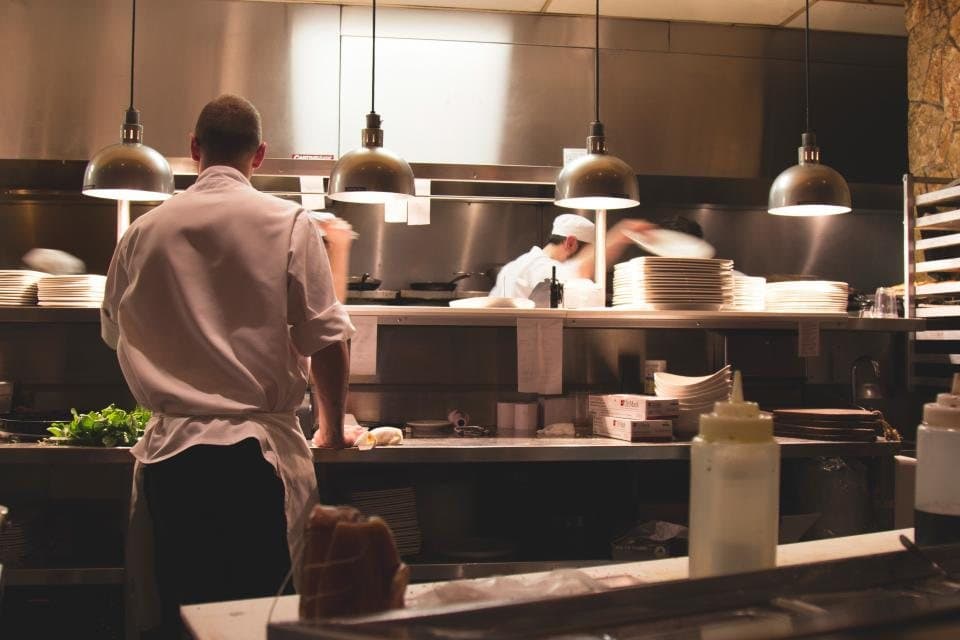
Build items, modifiers and prices once and publish them to every location. Routing rules send each dish to the station that makes it, so the grill, the fryer and the bar each see only their part of the order.
- Central menu builder
- Routing rules per item and station
- Allergen and dietary information
- The same menu in store and online
What's included
Everything you need from this part of the platform — working alongside the rest of your setup.
Menu builder
Create items, categories, modifiers and variants in one place.
Kitchen routing
Route each item to the right prep station — grill, bar, dessert.
Multi-branch sync
Push menu changes to all branches instantly.
Modifier groups
Configure options, add-ons and compulsory selections.
Allergen & dietary
Tag items with allergens and dietary info.
Online & in-store
One menu feeds your till, kiosk, website and app.
Benefits for your business
One source of truth
Change the menu once — it updates everywhere instantly.
Faster kitchen
Items routed to the right station means less confusion.
Consistent brand
Every branch and channel shows the same menu and pricing.
- Central menu
- 1
- Central menu
- Station routing
- Auto
- Station routing
- Channels
- All
- Channels
- Multi-branch sync
- Instant
- Multi-branch sync
Where you will use it
New dish
Add it once with its modifiers and it appears at every branch.
Price change
Update the price centrally before the weekend.
Kitchen flow
Send starters, mains and drinks to the stations that make them.
Up and running in days, not months
- 1
Build your menu
Create items, categories and modifiers in the central menu builder.
- 2
Set routing rules
Assign each item to the kitchen station that prepares it.
- 3
Publish everywhere
Push to till, kiosk, website and all branches at once.
Central Menu Building & Kitchen Routing works with the rest of Qposd
One set of products, customers and prices is shared by every part of the system, so what you do here shows up everywhere else without typing it twice.
- Kitchen Display System
- EPOS for Multi-Branch & Franchise
- Online Ordering

Central Menu Building & Kitchen Routing: common questions
Can branches have different prices?
The menu is managed centrally and synced to branches. Talk to us about branch-level pricing and availability for your set-up.
How does kitchen routing work?
Each item is linked to one or more stations. When an order is sent, every station receives only the items it prepares.
Does the online menu update too?
Yes. In-store and online ordering use the same menu, so a change is made once.
Works well with
Ready to explore Central Menu Building & Kitchen Routing?
Book a free demo and see it in action for your business.