
Self-Service Kiosk
Let customers browse, customise and pay on a self-service kiosk — reducing queue times and freeing up staff.
- Customer ordering
- Upselling
- Card payments
- Kitchen integration
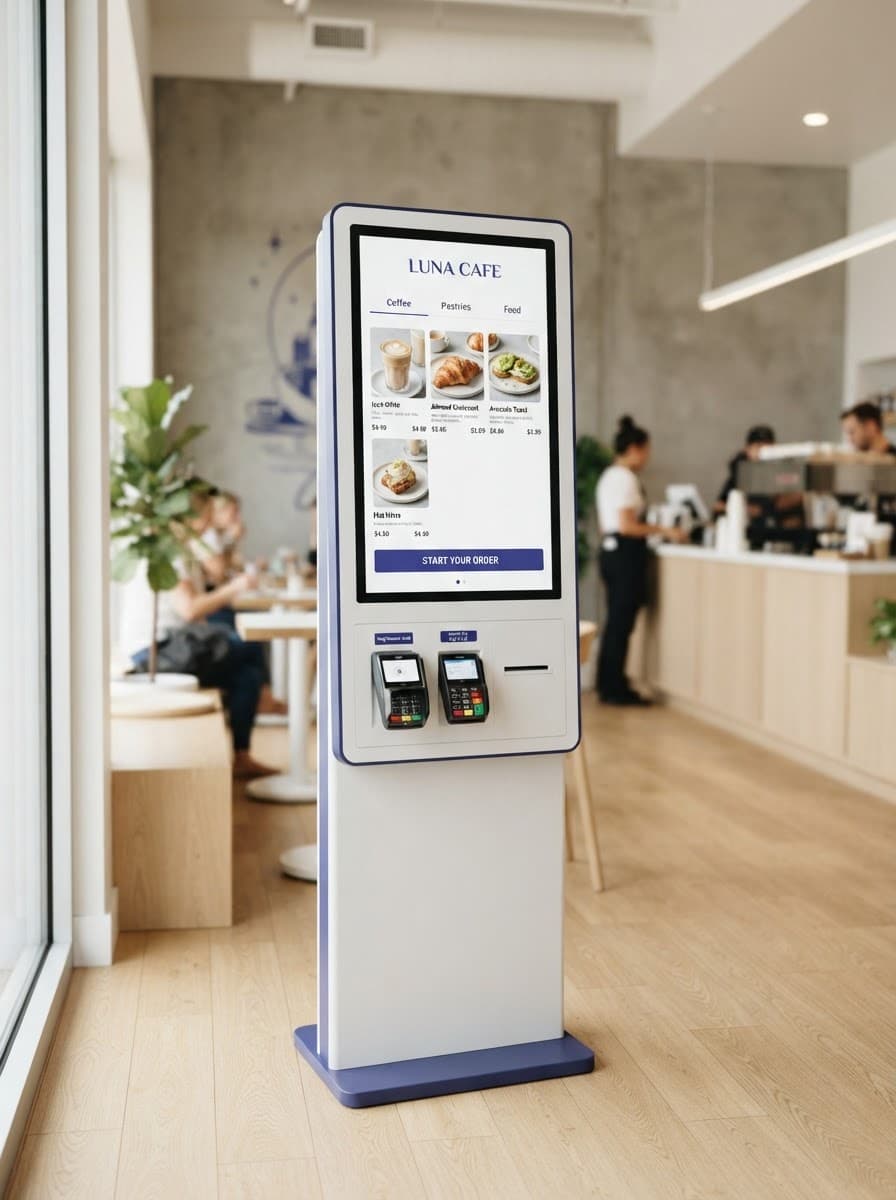
Customers order at their own pace
A self-service kiosk lets guests browse the full menu with pictures, choose their options and pay, while your team makes the food. Suggested extras appear on every order, and the order goes straight to the kitchen.
- Browse, customise and pay
- Suggested extras on every order
- Orders go straight to the kitchen
- Shorter queues at busy times
What's included
Everything you need from this part of the platform — working alongside the rest of your setup.
Customer ordering
Browse the menu and build an order unaided.
Upselling
Suggest add-ons and upgrades automatically.
Payment
Pay by card or contactless at the kiosk.
Kitchen integration
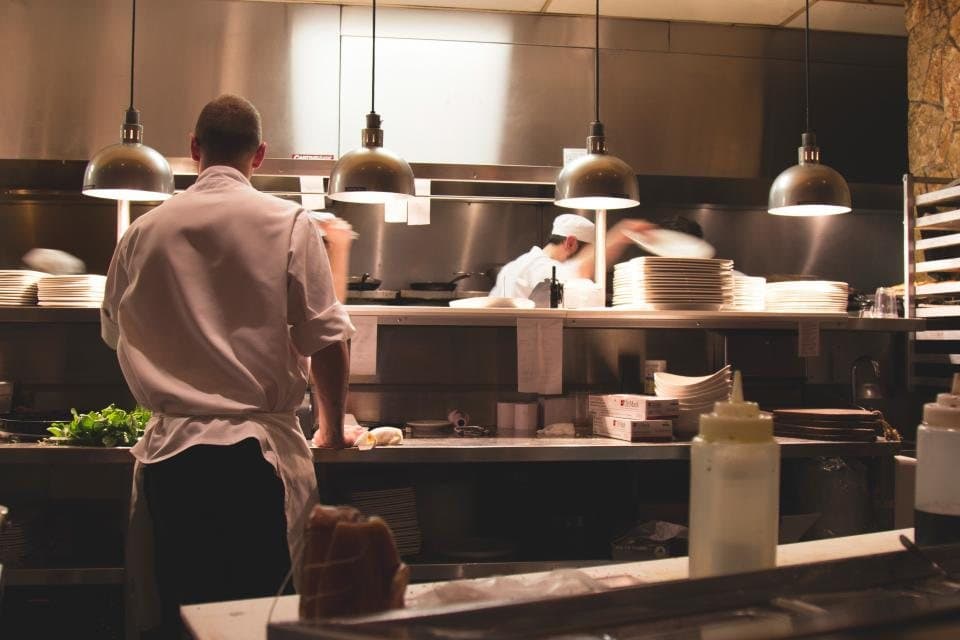
Orders flow straight to the kitchen.
Menu browsing
Full menu with images and modifiers.
Shorter queues
Reduce wait times at peak hours.
Benefits for your business
Bigger baskets
Consistent upselling on every order.
Happier customers
No waiting in line to order.
Free up staff
Let the kiosk handle the rush.
Where you will use it
Lunch queue
Guests order on the kiosk while the counter serves others.
Customising
They pick sizes, extras and options themselves.
Paying
They pay by card at the kiosk and wait for their number.
Up and running in days, not months
- 1
Install your kiosk
Set up a self-service kiosk with Qposd and a card reader.
- 2
Load your menu
Add images, modifiers and upsell prompts from your back office.
- 3
Let customers order
Orders and payment flow straight to the kitchen — staff stay free.
Self-Service Kiosk works with the rest of Qposd
One set of products, customers and prices is shared by every part of the system, so what you do here shows up everywhere else without typing it twice.
- Kitchen Display System
- Integrated Payment Solutions
- EPOS for Takeaways
Self-Service Kiosk: common questions
Does the kiosk take payment?
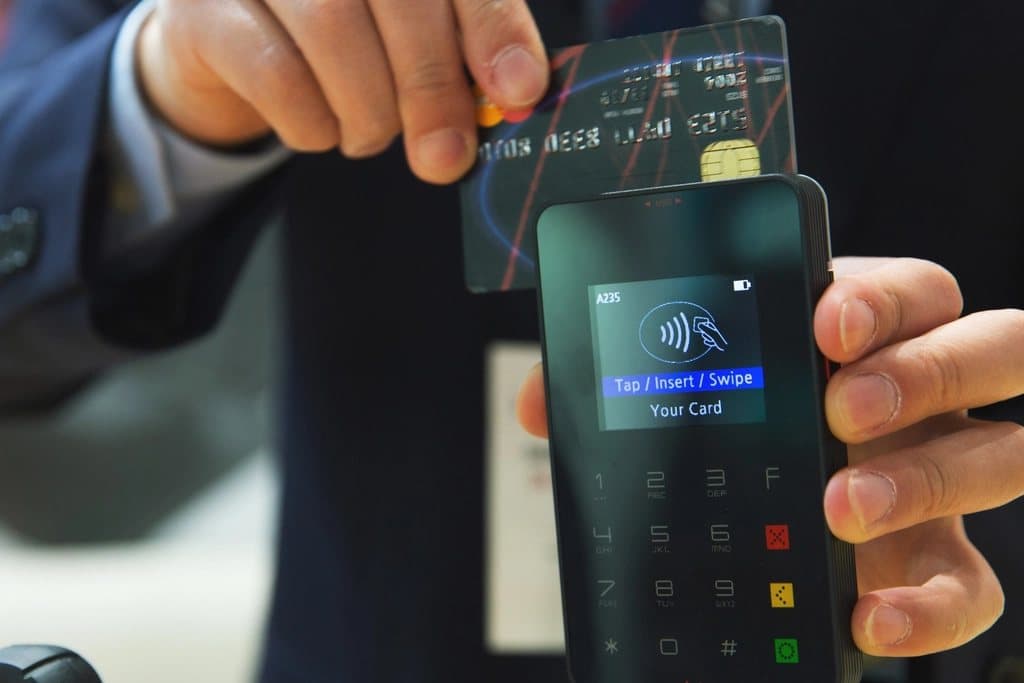
Yes. Customers pay at the kiosk with a connected card terminal.
Is the kiosk menu separate?
No. It uses the same menu, modifiers and prices as your till.
What hardware do I need?
A kiosk unit with a card terminal. Ask us for the current hardware options.
Works well with
Ready to explore Self-Service Kiosk?
Book a free demo and see it in action for your business.