
Order Taking — Web, Windows & Android
Take orders anywhere on any device — behind the counter, at the table, or on the floor — with a fast, intuitive interface that syncs instantly to the kitchen.
- Web, Windows & Android
- Works online & offline
- Tableside ordering
- Instant kitchen sync
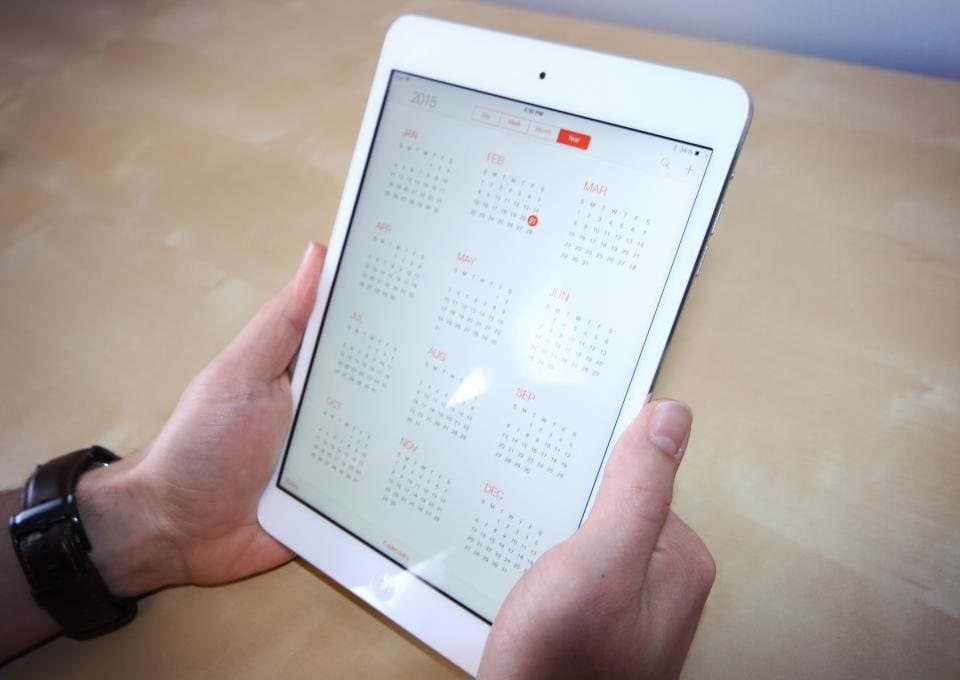
Take the order where the customer is
Use a Windows till at the counter, a tablet on the floor or an Android handheld at the table. Whatever the device, the order reaches the kitchen and the bill at the same moment.
- Windows, web and Android
- Tablets and handhelds
- Modifiers and variants
- Open tickets across devices
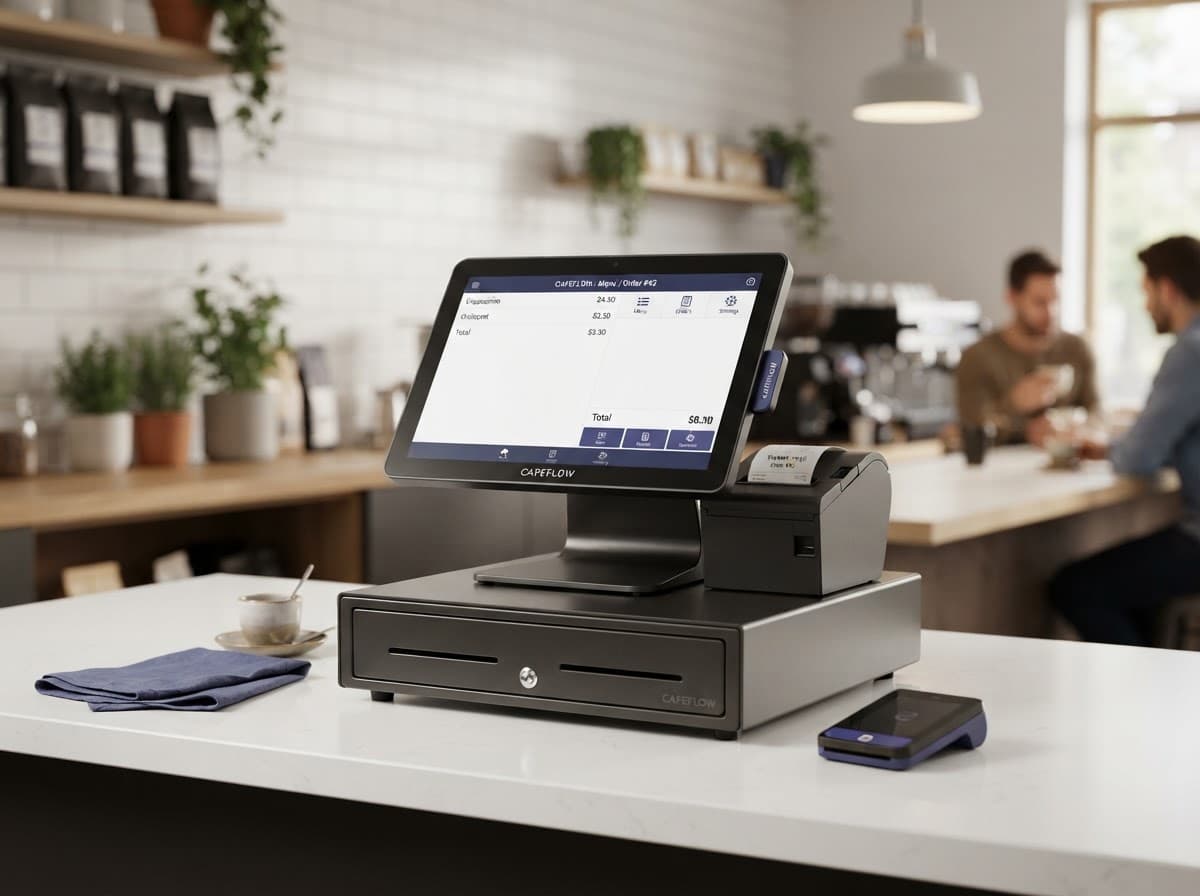
What's included
Everything you need from this part of the platform — working alongside the rest of your setup.
Windows & Web
Full counter ordering on desktop terminals or any web browser.
Android mobile
Take orders tableside on Android phones or tablets.
Tablet-friendly
Optimised touch interface for tablets of any size.
Modifiers & variants
Add notes, options and upsells with a tap.
Instant sync
Orders land in the kitchen the moment they're sent.
Open tickets
Hold, recall and split tickets with ease.
Benefits for your business
Faster service
Reduce queues with quick, touch-based ordering.
Any device
Use the hardware you already own — no lock-in.
Always available
Keep taking orders even if the internet drops.
- Platforms
- 3
- Platforms
- Resilience
- Offline
- Resilience
- Kitchen sync
- Instant
- Kitchen sync
- Device
- Any
- Device
Where you will use it
At the table
Take the order on a tablet or handheld.
At the counter
Use the Windows till for walk-ins.
On a busy floor
Start an order on one device and finish it on another.
Up and running in days, not months
- 1
Pick your device
Install on Windows, open in a browser, or use the Android app.
- 2
Take orders
Build tickets with modifiers, notes and upsells in seconds.
- 3
Send to kitchen
Orders sync instantly to KDS or printers — no manual handoff.
Order Taking — Web, Windows & Android works with the rest of Qposd
One set of products, customers and prices is shared by every part of the system, so what you do here shows up everywhere else without typing it twice.
- Cloud EPOS Software
- Kitchen Display System
- Table Service — QR Ordering
Order Taking — Web, Windows & Android: common questions
Which devices can take orders?
Windows tills, web browsers and Android devices, including tablets.
Can two devices work on the same order?
Open tickets sync between devices, so an order started on one can be finished on another.
Does each device need a licence?
Licences are counted per computer. Ask us how handhelds are counted on your plan.
Works well with
Ready to explore Order Taking — Web, Windows & Android?
Book a free demo and see it in action for your business.