
Dining Management
Manage tables, sections, waitlists and reservations — with a live floor plan that shows table status, guest counts and open bills at a glance.
- Live floor plan
- Table status
- Reservations
- Waitlist management
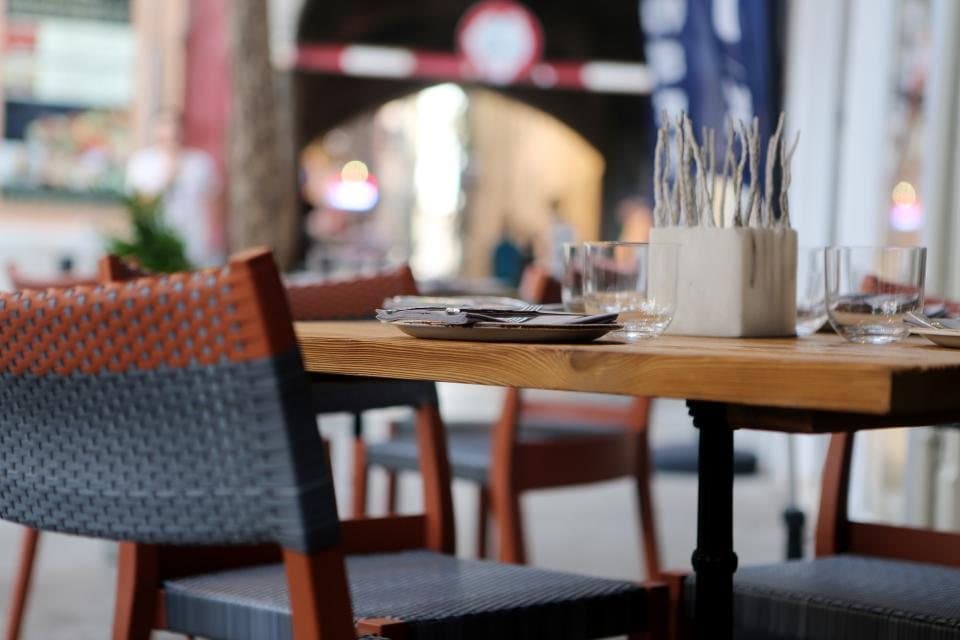
Your floor at a glance
A live floor plan shows which tables are free, seated, ordering or waiting to pay. Take reservations, run a waitlist, move a party to another table and keep bills open until guests are ready.
- Live floor plan with table status
- Reservations and waitlist
- Open bills and table transfer
- Sections for each server
What's included
Everything you need from this part of the platform — working alongside the rest of your setup.
Visual floor plan
Drag-and-drop table layout with live status colours.
Reservations
Book tables, manage covers and seating times.
Waitlist
Queue management with estimated wait times.
Open bills
Attach bills to tables and split by seat.
Table transfer
Move guests between tables or merge parties.
Section management
Assign sections and servers to zones.
Benefits for your business
Turn more tables
See which tables are free and seat guests faster.
No double-booking
Reservations sync live across all staff and devices.
Better service
Staff see guest counts and wait times at a glance.
- Floor plan
- Live
- Floor plan
- Reservations
- Auto
- Reservations
- Bills by seat
- Split
- Bills by seat
- Table status
- Visual
- Table status
Where you will use it
Seating
See free tables and seat a party from the waitlist.
During service
Watch which tables are waiting for food or the bill.
Bookings
Take a reservation and hold the table.
Up and running in days, not months
- 1
Design your floor
Lay out tables and sections with drag-and-drop in the back office.
- 2
Manage service
Seat guests, take reservations and track table status live.
- 3
Settle bills
Split bills by seat or table and take payment at the table.
Dining Management works with the rest of Qposd
One set of products, customers and prices is shared by every part of the system, so what you do here shows up everywhere else without typing it twice.
- Table Service — QR Ordering
- Kitchen Display System
- EPOS for Restaurants
Dining Management: common questions
Can I take reservations?
Yes. Reservations and a waitlist are part of dining management, alongside the floor plan.
Can a bill move with the guests?
Yes. Table transfer moves an open bill to another table.
Does it work with the kitchen display?
Yes. Orders taken at the table are sent to the kitchen like any other order.
Works well with
Ready to explore Dining Management?
Book a free demo and see it in action for your business.