
Digital Signage
Turn any screen into a digital menu board, promotional display or information screen — managed from the same back office as your EPOS.
- Menu boards
- Promo displays
- Scheduled content
- Multi-screen
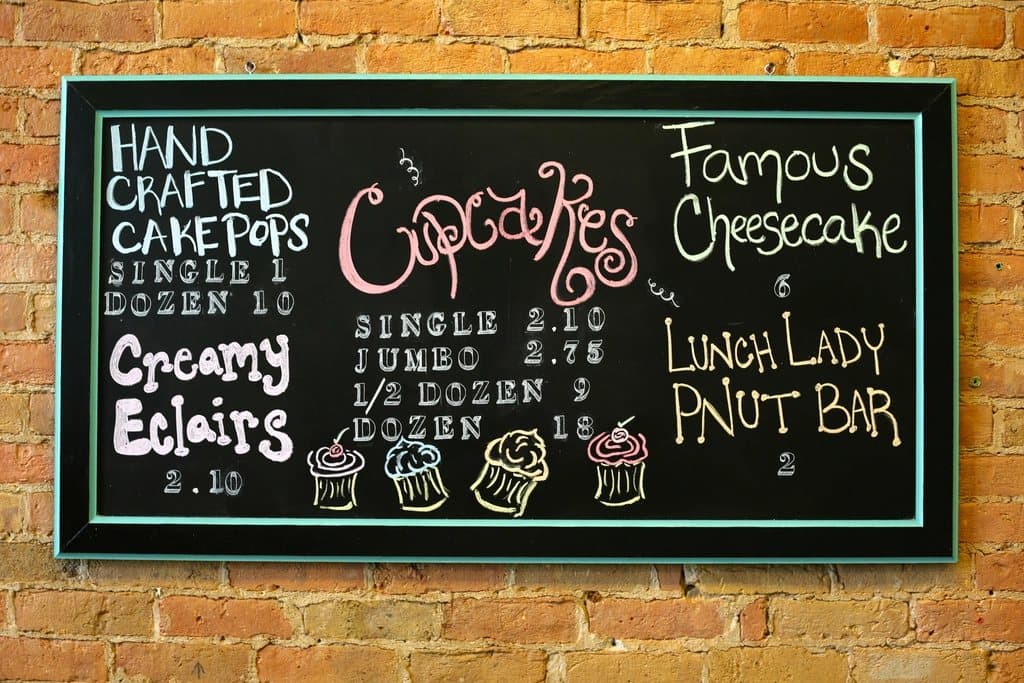
Menu boards that change when your menu does
Use the screens you already have as menu boards and promotional displays. Schedule breakfast, lunch and evening content, change a price once in the back office and every screen follows.
- Any screen as a menu board
- Content scheduled by time of day
- Custom layouts in your brand
- Several screens from one place
What's included
Everything you need from this part of the platform — working alongside the rest of your setup.
Any screen
Run signage on TVs, tablets or dedicated displays.
Menu boards
Digital menu boards with images, prices and branding.
Scheduled content
Switch menus by time of day — breakfast, lunch, dinner.
Custom layouts
Design layouts with multiple zones for menus and promos.
Instant updates
Change prices or items across all screens in seconds.
Multi-screen
Manage displays across multiple branches from one place.
Benefits for your business
No printed menus
Update prices and items instantly — no reprinting costs.
Promote in real time
Push offers and promotions to screens whenever you want.
Professional look
High-quality digital displays elevate your brand.
- Screen
- Any
- Screen
- Updates
- Instant
- Updates
- Content
- Scheduled
- Content
- Branch
- Multi
- Branch
Where you will use it
Breakfast to lunch
Switch the board at the time you set.
Sold out
Take an item off every screen in one change.
Promotions
Give this week's offer its own screen.
Up and running in days, not months
- 1
Design your boards
Create menu boards and promo screens in the back office.
- 2
Schedule content
Set which screens show what, and when — by time or branch.
- 3
Update instantly
Change prices or items and all screens update in seconds.
Digital Signage works with the rest of Qposd
One set of products, customers and prices is shared by every part of the system, so what you do here shows up everywhere else without typing it twice.
- Central Menu Building & Kitchen Routing
- Promotions
- EPOS for Cafés & Coffee Shops
Digital Signage: common questions
Do I need special screens?
No. Signage is designed to run on ordinary screens. Ask us what is needed to connect yours.
Can content change during the day?
Yes. Scheduled content lets you show different boards at different times.
How do I update prices on the board?
Change them in the back office and the boards update, so you do not reprint menus.
Works well with
Ready to explore Digital Signage?
Book a free demo and see it in action for your business.