
Customer Display
Show customers their order, totals and promotions on a dedicated screen — and upsell at the moment of purchase.
- Order visibility
- Promotions
- Upselling
- Branded screen

The order, on a screen facing the customer
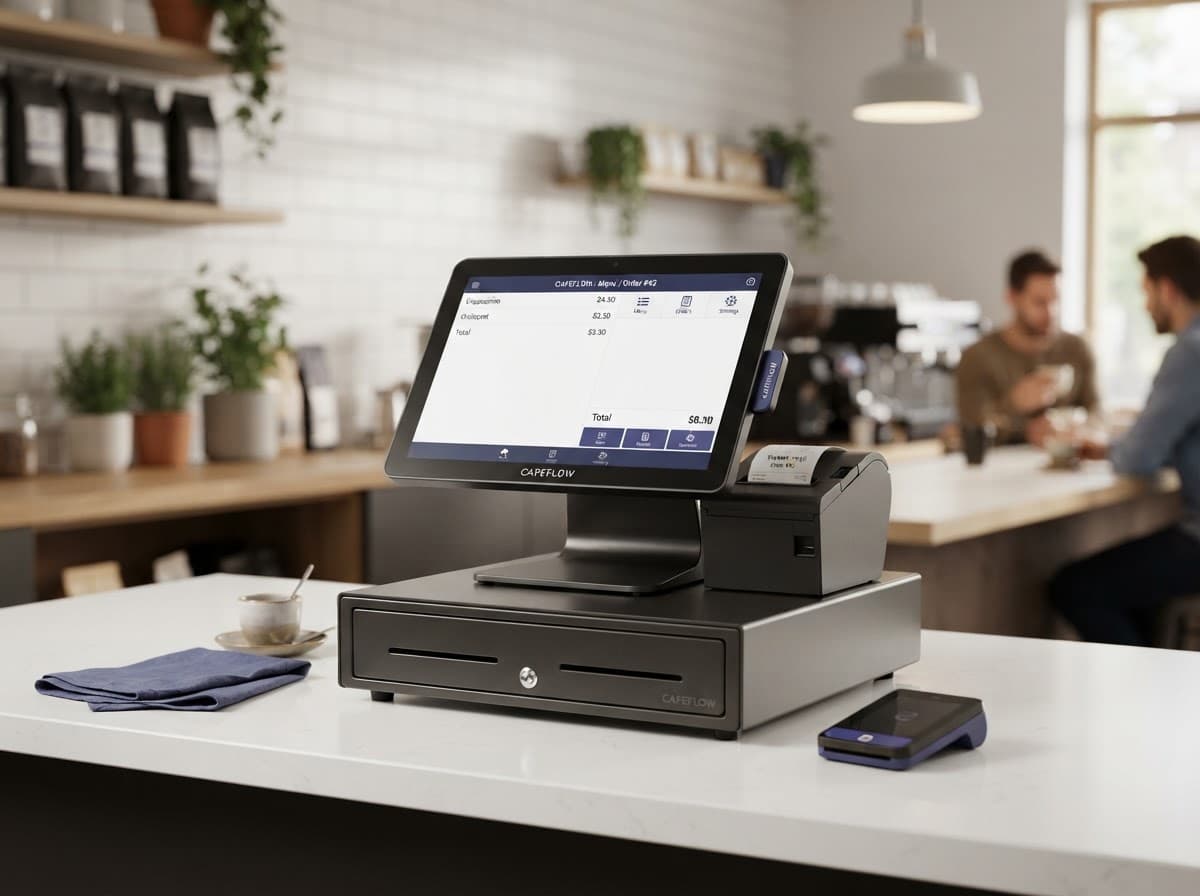
Customers see each item and the running total as it is rung up, which catches mistakes before payment. Between sales the screen shows your promotions and suggested extras, in your own branding.
- Items and totals as they are entered
- Promotions and upsell prompts
- Your logo and colours
- Fewer disputes at the counter
What's included
Everything you need from this part of the platform — working alongside the rest of your setup.
Order display
Customers see items and totals as they're rung up.
Upselling
Promote add-ons and upgrades at the counter.
Promotions
Show current offers and loyalty prompts.
Branded
Customise the screen with your branding.
Engage customers
Give confidence at the point of sale.
Grow revenue
Turn wait time into upsell opportunity.
Benefits for your business
Fewer errors
Customers catch mistakes before they pay.
More revenue
Targeted upsells at the point of sale.
Better experience
A polished, professional checkout.
Where you will use it
At the counter
Customers check the order as it is entered.
While they wait
Show today's offers between sales.
At payment
The total is clear before the card is presented.
Up and running in days, not months
- 1
Add a screen
Connect a customer-facing display alongside your EPOS.
- 2
Customise it
Show your logo, promotions and live order totals.
- 3
Upsell more
Prompts appear at the moment of purchase to grow baskets.
Customer Display works with the rest of Qposd
One set of products, customers and prices is shared by every part of the system, so what you do here shows up everywhere else without typing it twice.
- Cloud EPOS Software
- Promotions
- Hardware

Customer Display: common questions
What does the customer see?
The items being added, prices and the total, plus promotions or suggestions you choose to show.
Do I need special hardware?
A second screen connected to the till. Ask us which displays are supported for your terminal.
Can I show my own offers?
Yes. The display can carry your promotions and branding.
Works well with
Ready to explore Customer Display?
Book a free demo and see it in action for your business.